Everyone who helps, one tap away.
Care team is a contact list built for the people in your corner: your clinic, nurses, pharmacy, insurer and anyone who supports you. Each person carries the phone number, portal link and hours you actually need, so you are not searching an old email when you need to call. It is for the moments when you need someone quickly.
Free to use. No account needed to explore the sample.
How Care team works
- Add a person with their name, role and organization, plus phone, email, portal link and hours.
- Note the best way to reach them (there is a “no preference” option) and add any private notes.
- Pin the people you reach for most with the star, and they wait for you at the top, ready to call.
- Search by name, or filter by role, and the list is grouped by role.
- In your own signed-in space, save a contact to your phone as a .vcf file, or press “Print my care team” for a paper copy.
Why it helps
-
The right number, fast.
Pinned contacts sit at the top with a call button, so the nurse line is one tap away.
-
Hours and best way to reach.
Record when the clinic answers and whether a portal message or a call works better.
-
Notes stay private.
A saved contact file carries the name, role, place, phone, email, portal link, hours and best way, and never your notes.
-
Help is always visible.
The page keeps the emergency number (911) and the 988 crisis line within reach.
Questions about Care team
Can I add my pharmacy and insurance company?
Yes. Roles are your own to choose, so a nurse, a billing office, a pharmacy or an insurer can all sit in the same list.
Can I put these contacts in my phone?
Yes, in your own signed-in space. “Save contact (.vcf)” makes a contact file for your phone’s address book, and it never includes your notes.
Can I share my care team with my partner?
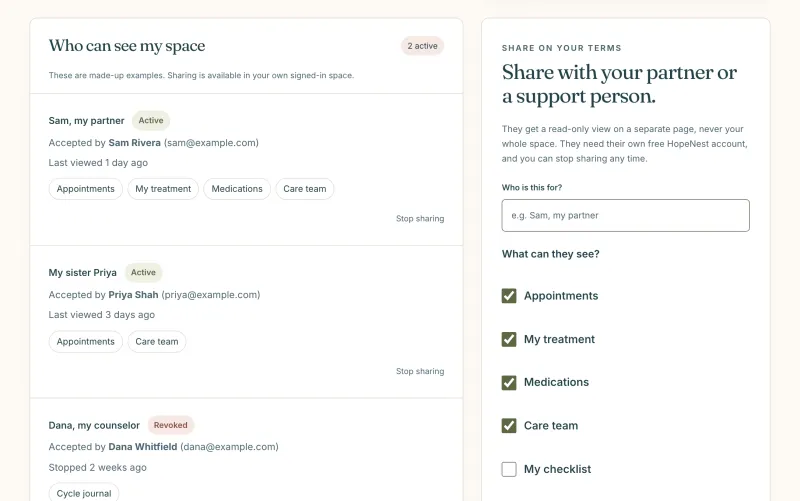
Only if you choose. Care team is one of the sections you can tick when you invite someone, and it is ticked by default in the invite form so you can untick it.
Keep exploring
-
Appointments
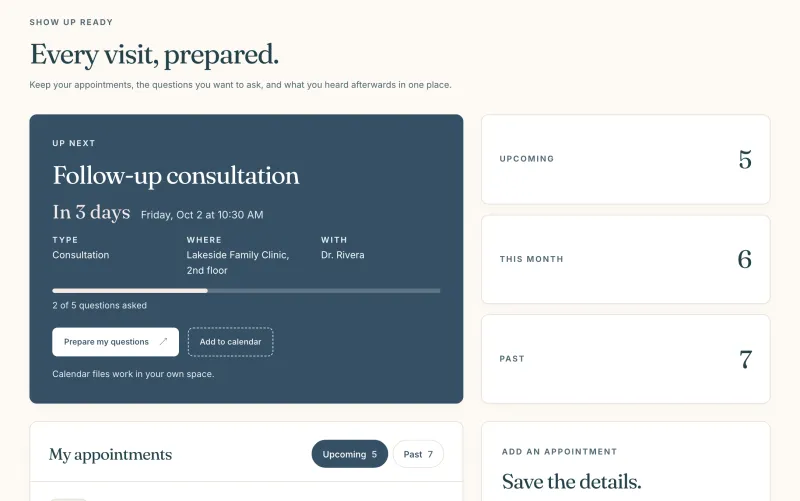
Every visit with its questions, notes and follow-ups in one place.
-
Insurance and calls
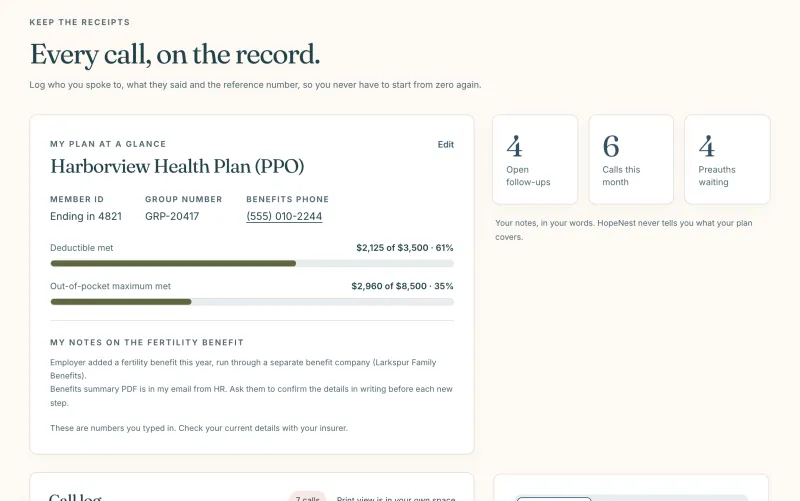
A call log with reference numbers, preauthorizations and your plan basics.
-
Sharing
A read-only view for a partner, section by section, stopped any time.