Show up ready for every appointment.
Appointments keeps every visit, call and procedure together with the questions you want to ask and, afterwards, what you heard. It is meant for the moment you walk into a consultation and want your list in your hand, and for the moment you get home and need to remember what was said.
Free to use. No account needed to explore the sample.
How Appointments works
- Add an appointment with a title, type, date and optional time, plus where it is, who you are seeing and what to bring.
- Write down the questions you want to ask, or add ones from the suggestions for that kind of visit.
- At the visit, mark each question as asked, and after it, write what you heard in “What did you hear?”.
- List follow-ups one per line, and turn them into tasks on your checklist.
- Once the date has passed, the appointment moves to Past with your notes attached. In your own signed-in space you can also add it to your calendar.
Why it helps
-
Questions saved with the visit.
Each appointment keeps its own list, with a count of how many you have asked.
-
Notes while they are fresh.
Write down what you heard and what to do next, right where the appointment lives.
-
Optional prep help.
If you turn on the AI helper, it can suggest questions from the title and type. Suggestions can be wrong, so you check each one.
-
Follow-ups do not get lost.
One press turns the follow-ups you wrote into checklist tasks.
Questions about Appointments
What kinds of appointments can I add?
Consultation, monitoring, bloodwork, ultrasound, procedure, counseling, pharmacy or other. Suggested questions, grouped by kind of visit, can be added with one press.
Can I put an appointment in my phone’s calendar?
Yes, in your own signed-in space. Add to calendar gives you a calendar file that carries only the title, place and who you are seeing.
Will HopeNest remind me before a visit?
No. Email and SMS reminders are not turned on yet. Appointments shows a countdown when you open it, and a calendar file lets your own calendar do the reminding.
Keep exploring
-
Today
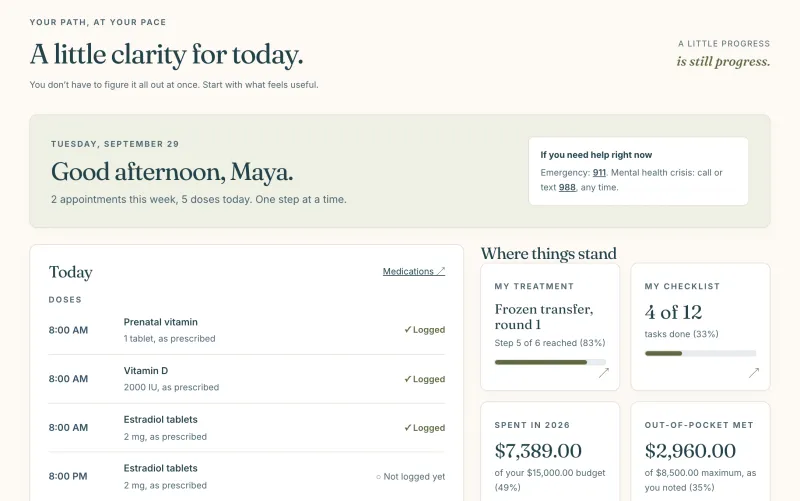
Today’s doses, the calendar and the next two weeks on one calm page.
-
My checklist
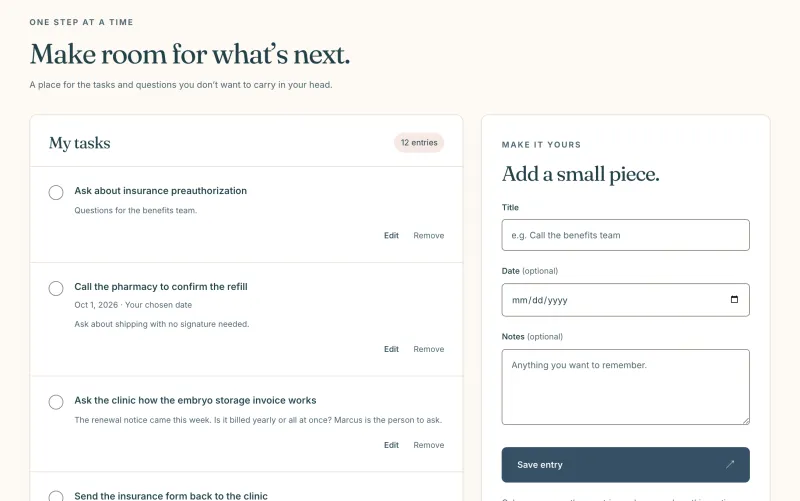
The tasks you do not want to carry in your head, checked off at your pace.
-
Care team
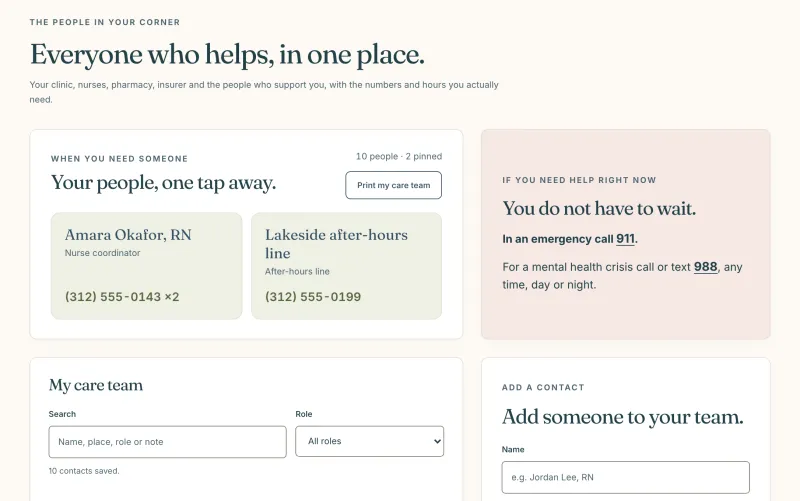
Your clinic, nurses and pharmacy, with the numbers and hours you need.